Aviation Pack
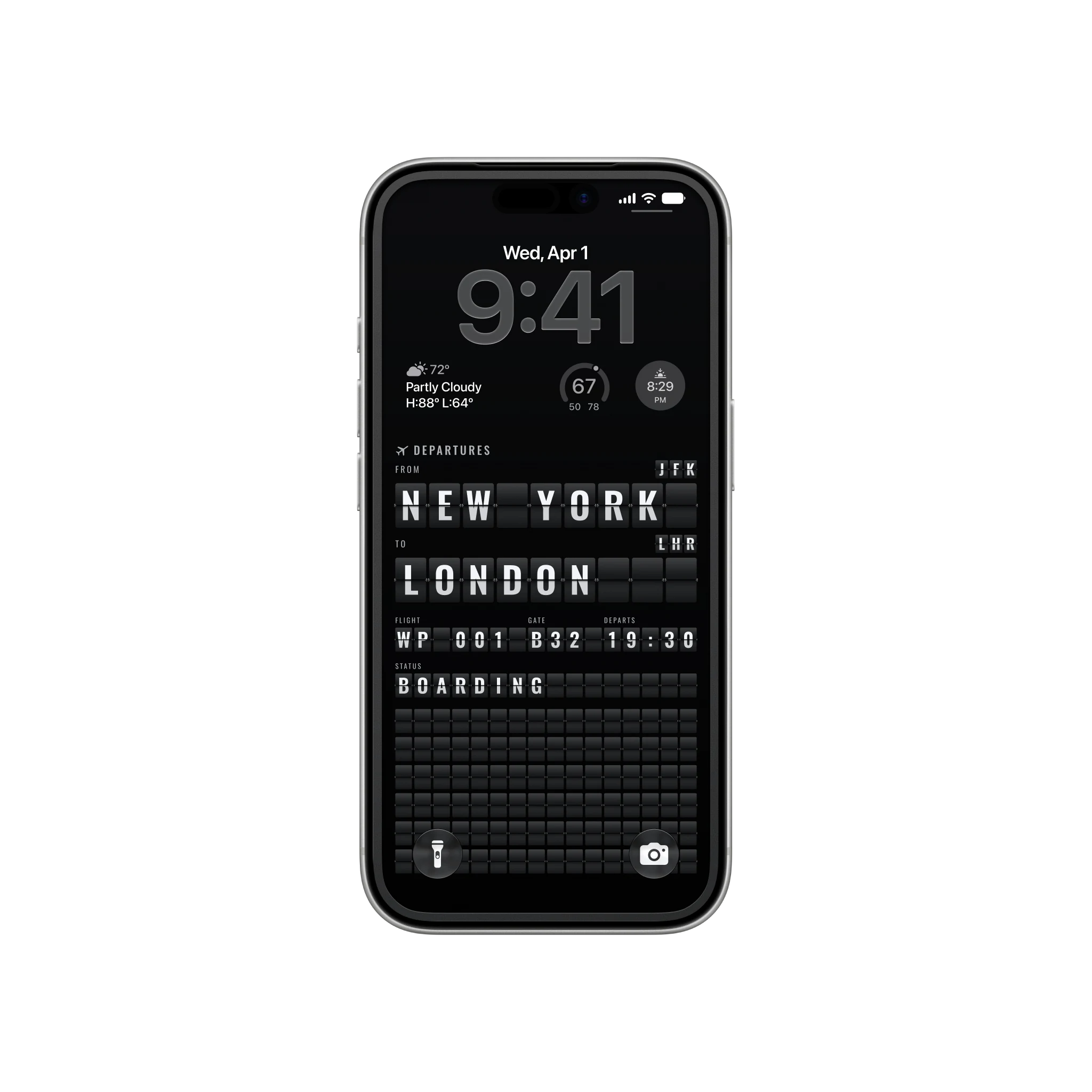
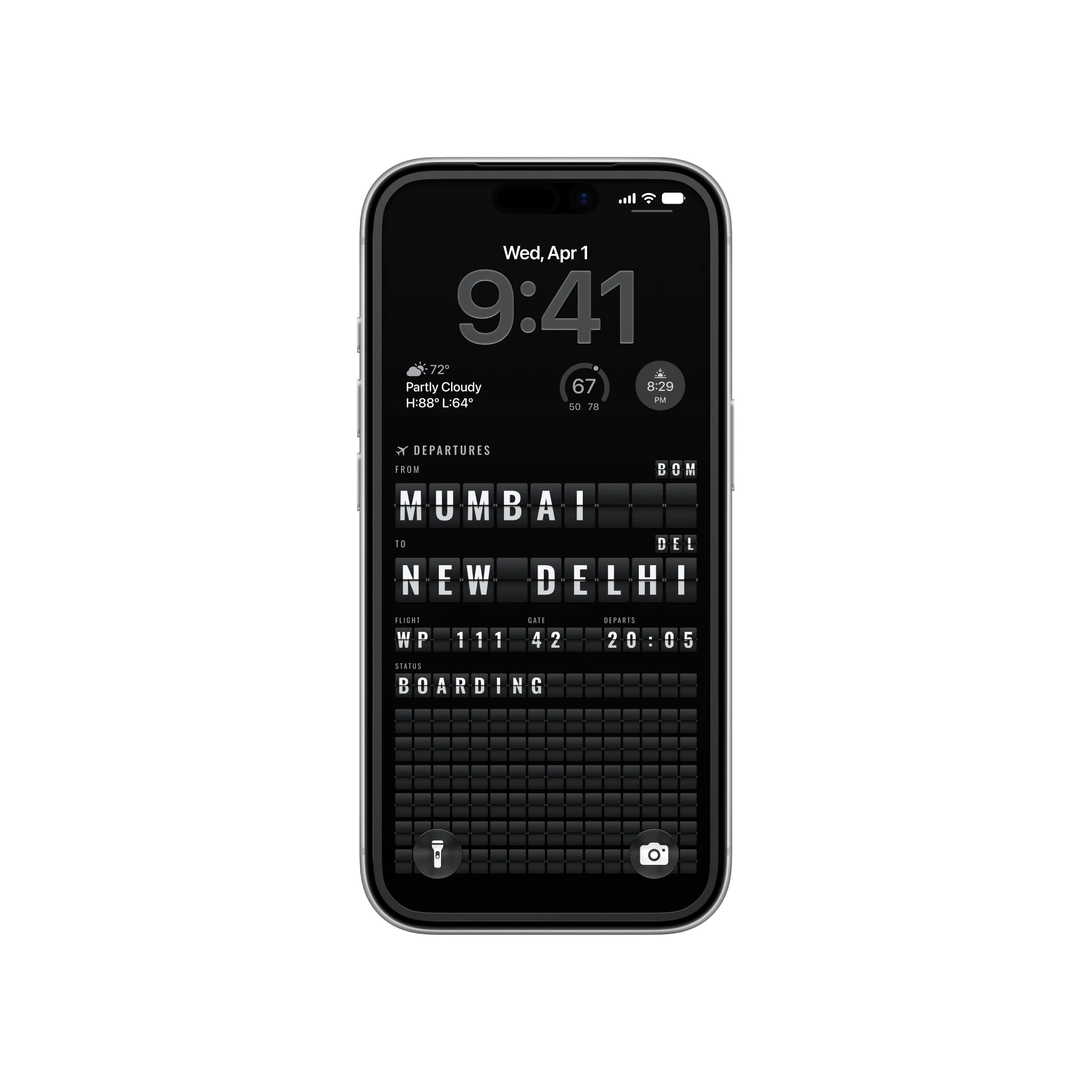
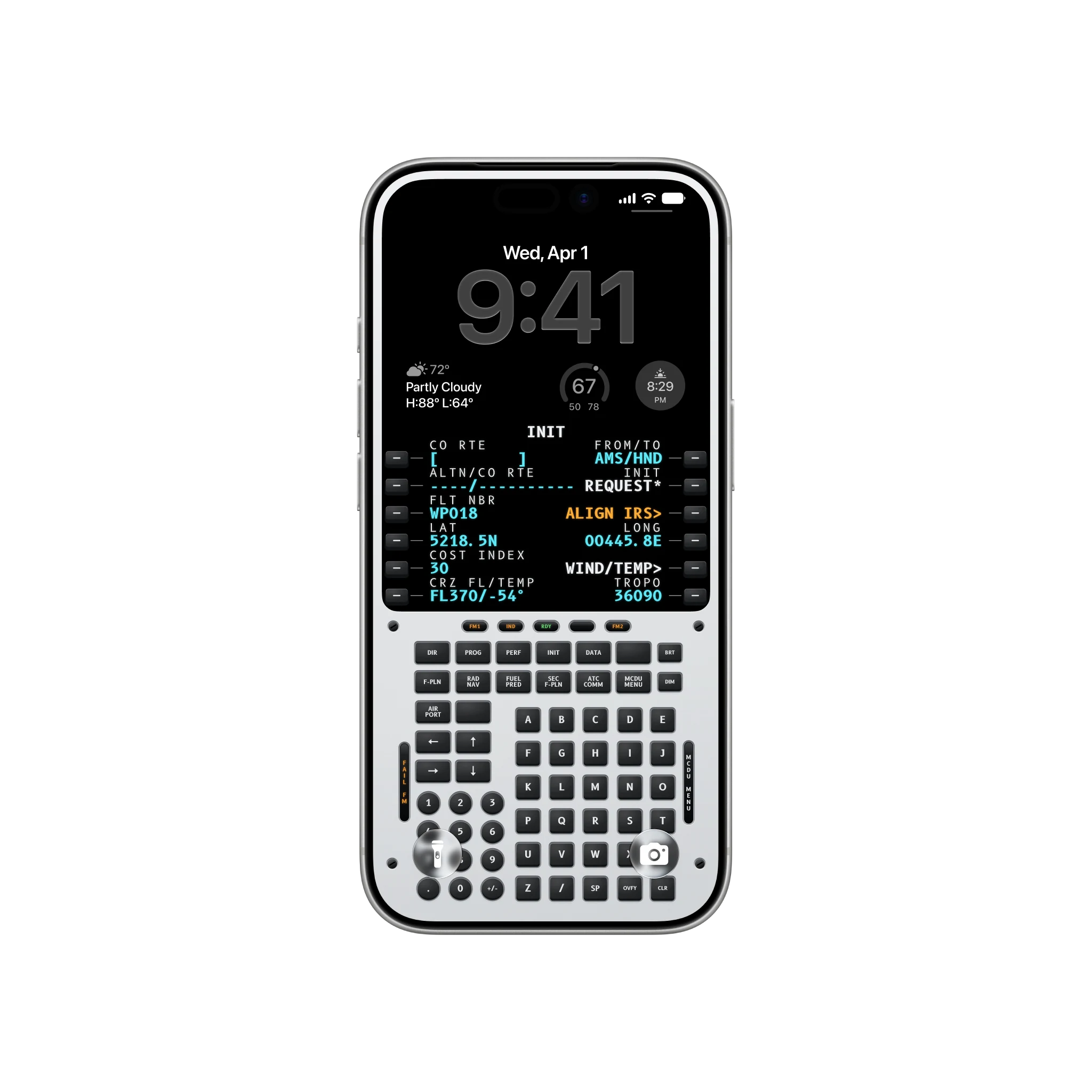
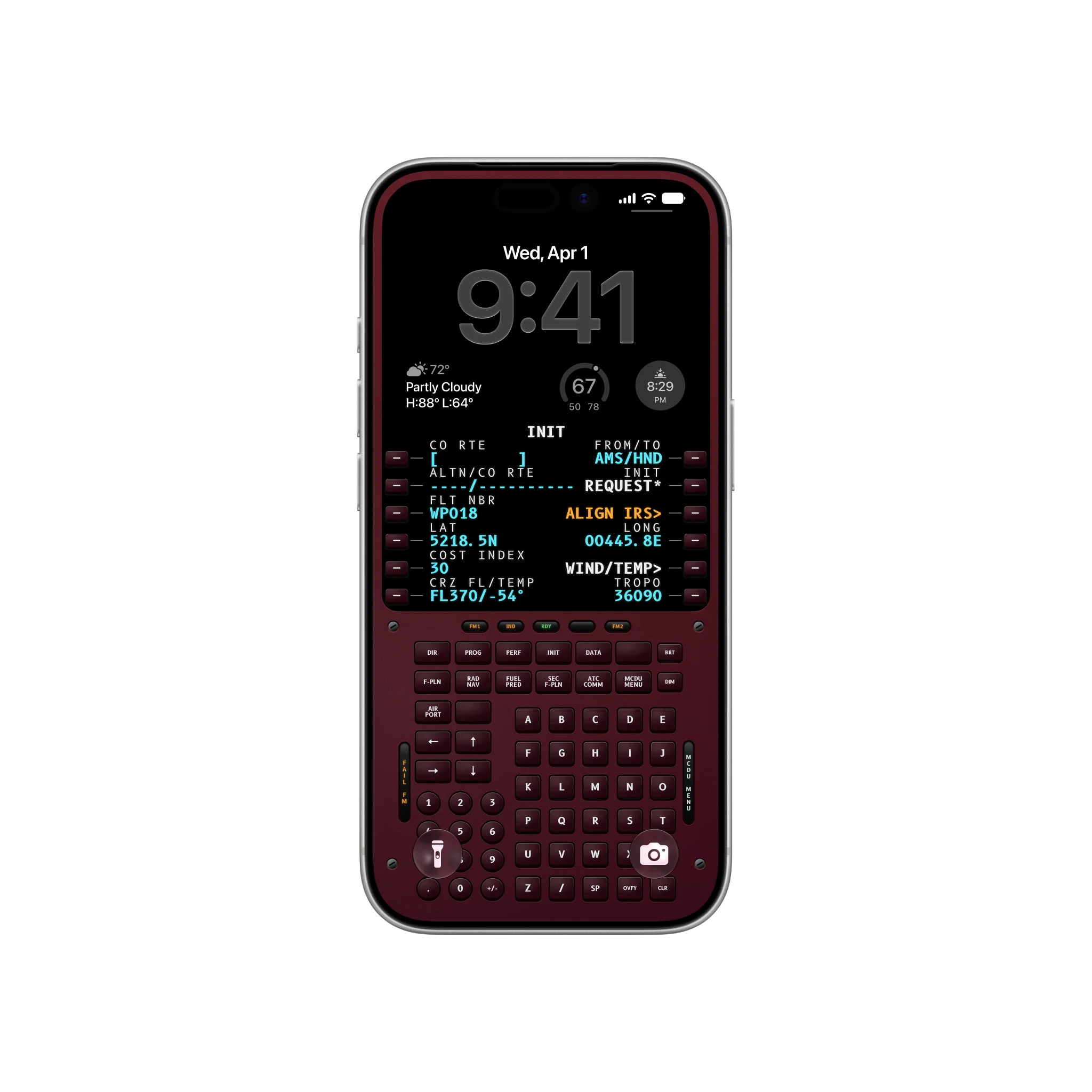
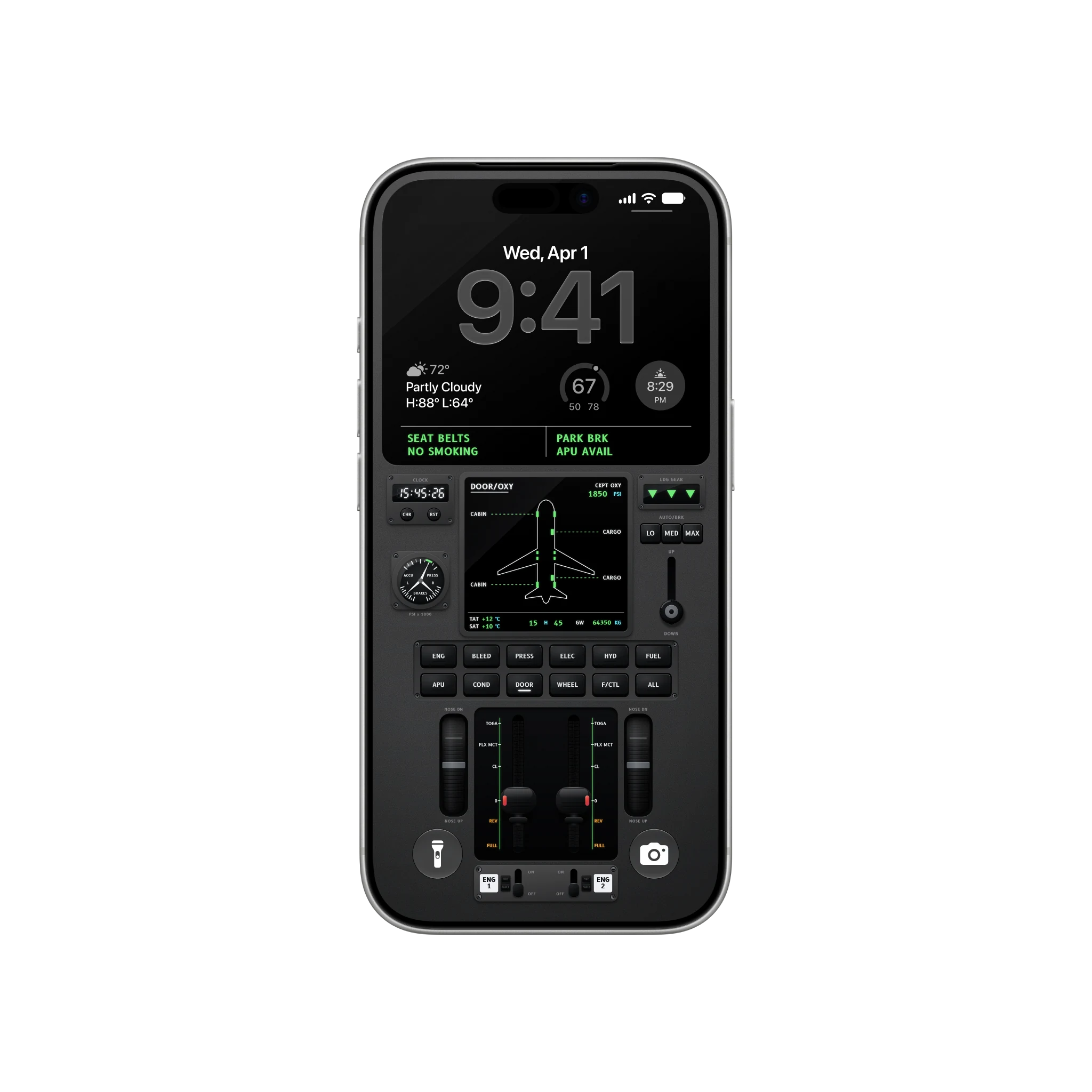
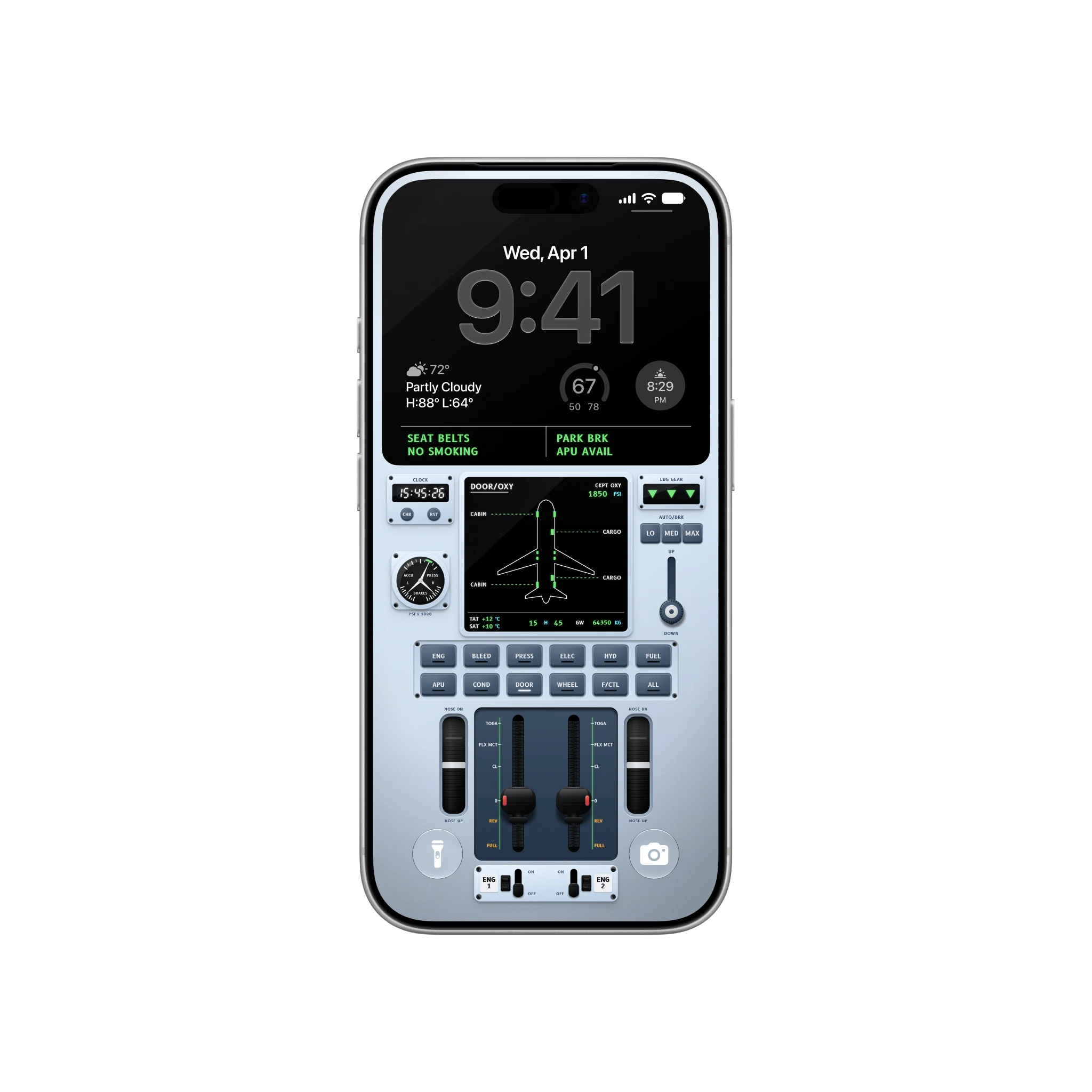
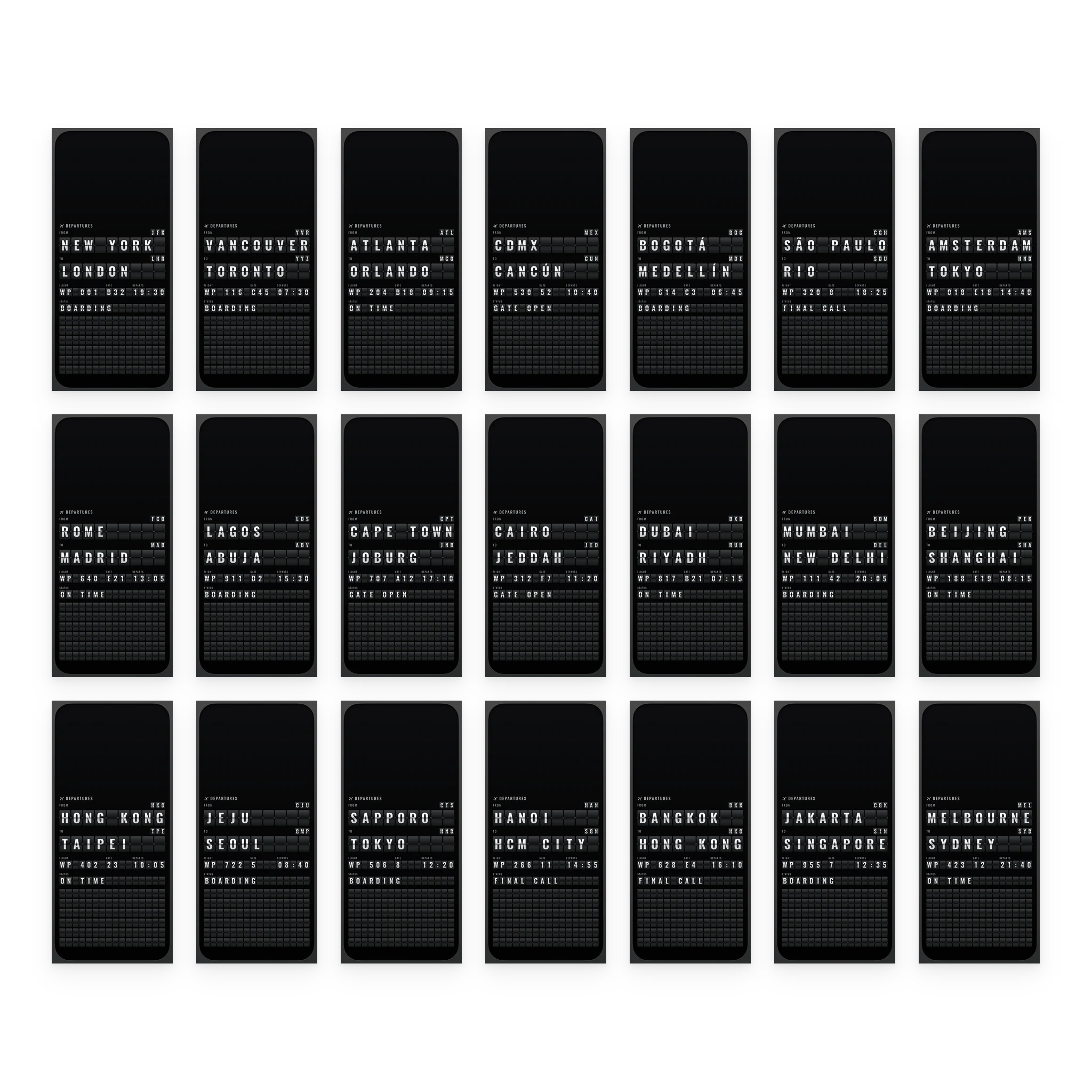
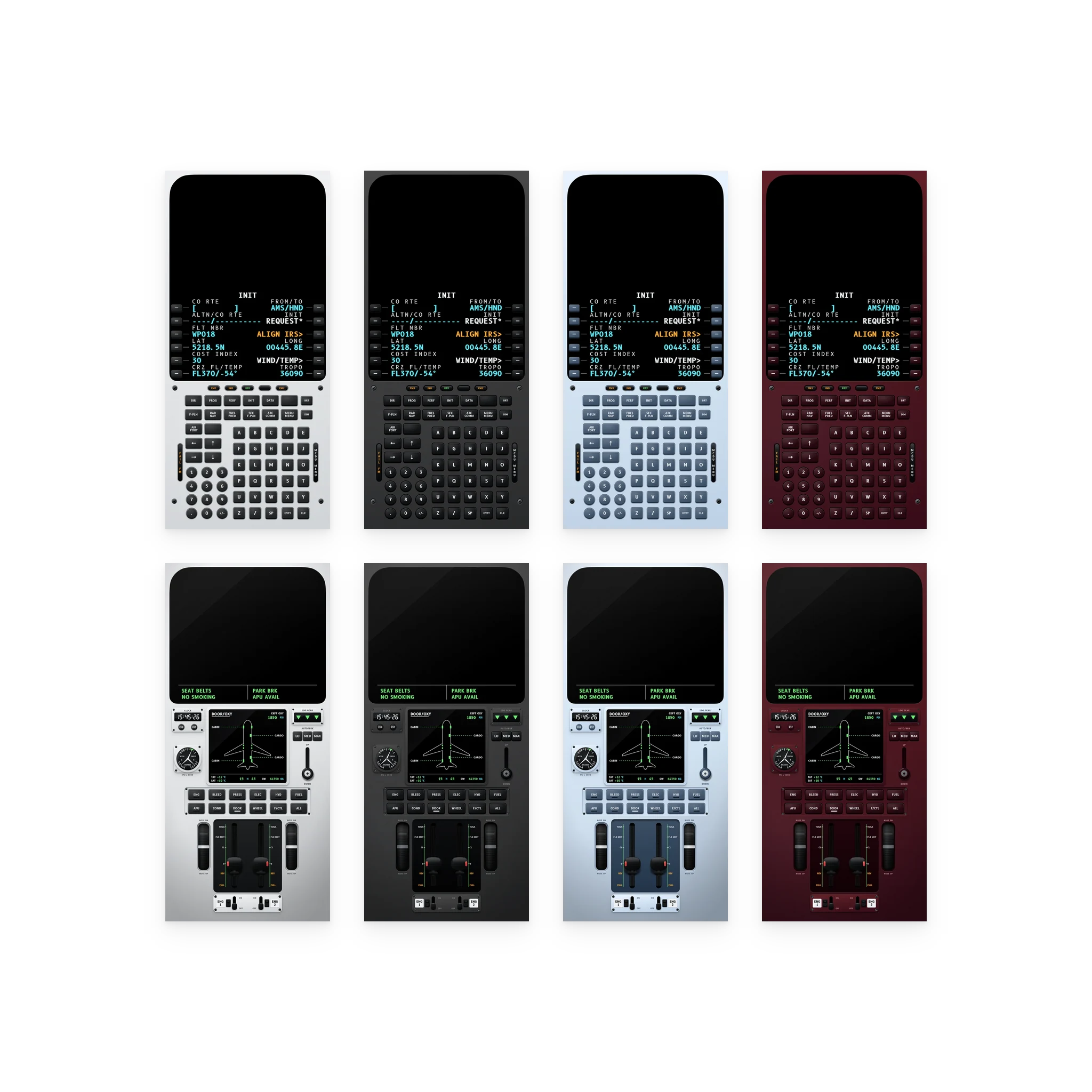
Aviation is an airport and a cockpit, drawn for the iPhone Lock Screen. A split-flap departures board shows one route with its airport codes, flight, gate, time and status in flaps; a flight computer sits lit on its start-up page; and a flight deck carries the door page, the clock, the gear lights, the auto brake and the thrust levers.
Twenty one boards cover routes from every region, New York to London, São Paulo to Rio, Lagos to Abuja, Mumbai to New Delhi and Melbourne to Sydney among them, and the flight computer and the flight deck come in four finishes each. Every design leaves the top of the screen dark for the clock, and every wallpaper is drawn at the exact pixel size of the iPhone 17 Pro and 18 Pro, and again at the Pro Max’s.
- 21 split-flap departure boards on routes from every region
- A flight computer and a flight deck in four finishes each
- 2 files per wallpaper, one per iPhone Pro panel: 1206 x 2622 and 1320 x 2868
- PNG with an embedded sRGB profile
- Future iPhone sizes included
- Personal license, portfolio and mockup use allowed
- Instant download
- Secure checkout by Lemon Squeezy
- Free future sizes
Both iPhone panels, drawn to the pixel.
| Device | Pixels | Aspect | Notes |
|---|---|---|---|
| Phone 19.5:9 | 1320 × 2868 | 19.5:9 | Native on a 19.5:9 phone and downscales to the smaller sizes in that shape. |
| Phone 19.5:9, 6.3 inch | 1206 × 2622 | 19.5:9 | The 6.3 inch Pro iPhone panel, one to one rather than scaled down from the bigger file. |
Before you buy.
Which file goes on my iPhone?
How do I set it so it lines up?
Do I get new sizes when new devices ship?
Can I use them in my portfolio or in mockups?
Aviation, $3.99.
Twenty nine wallpapers at the exact size of your iPhone Pro. Yours to keep, with every future iPhone size included.