Retro Games Pack
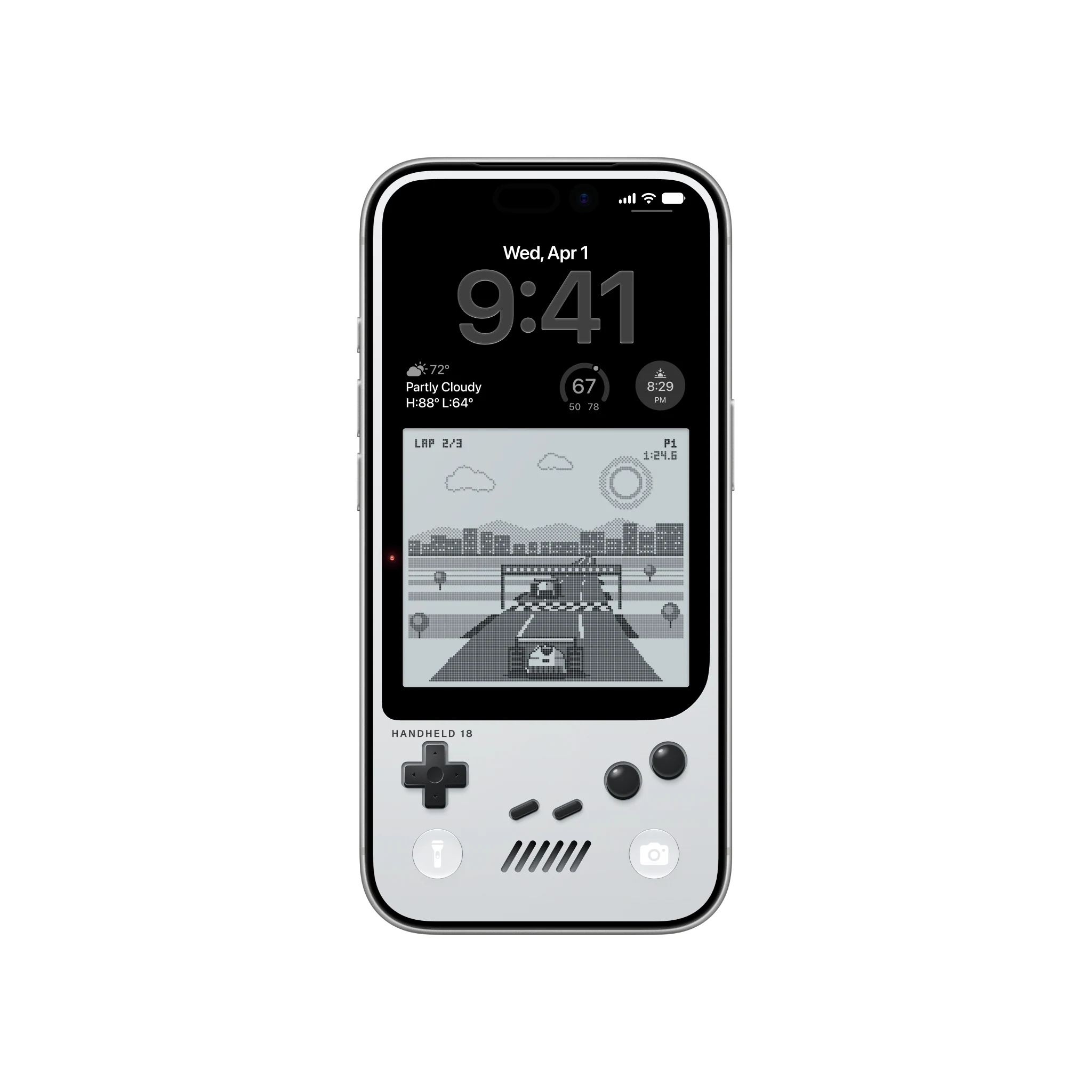
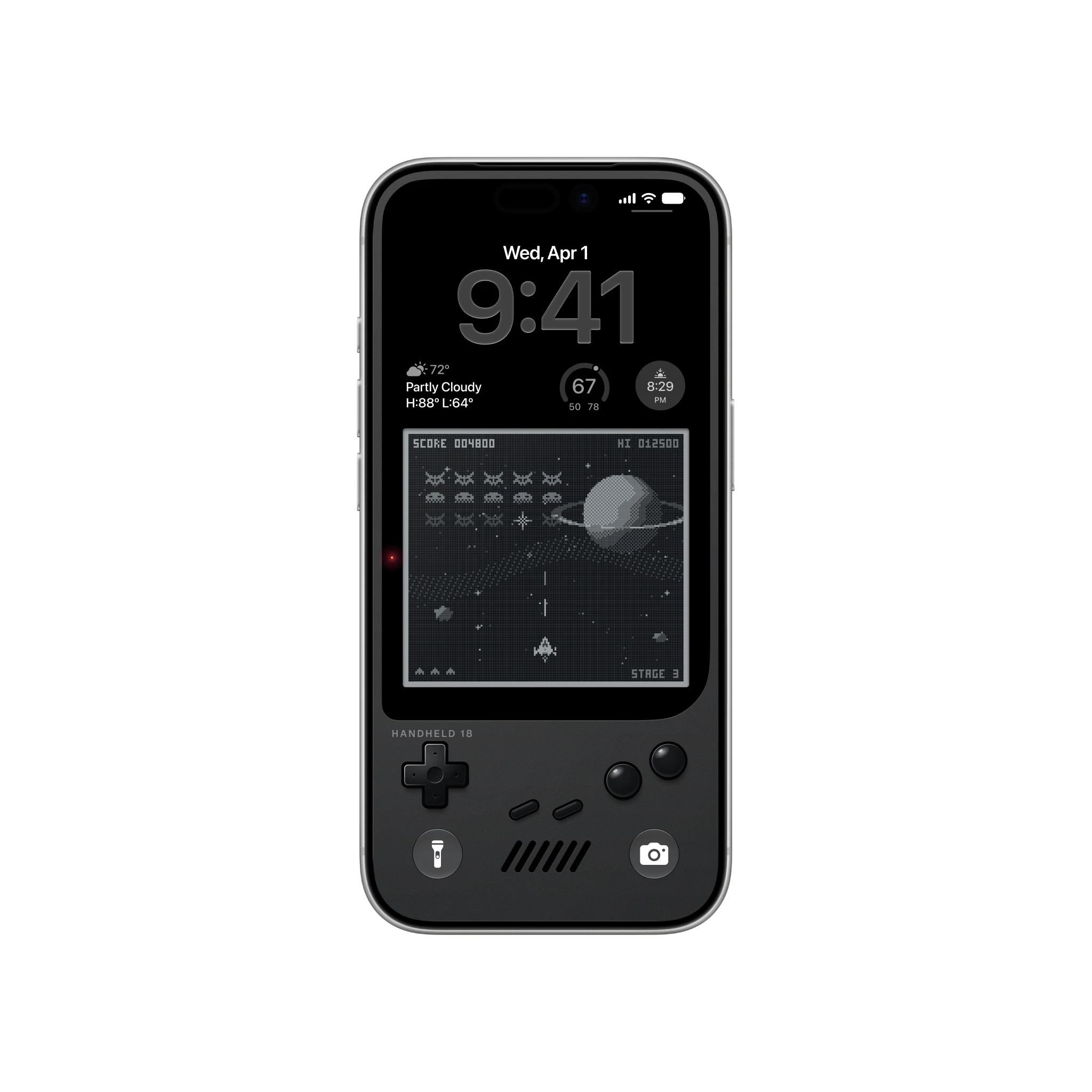
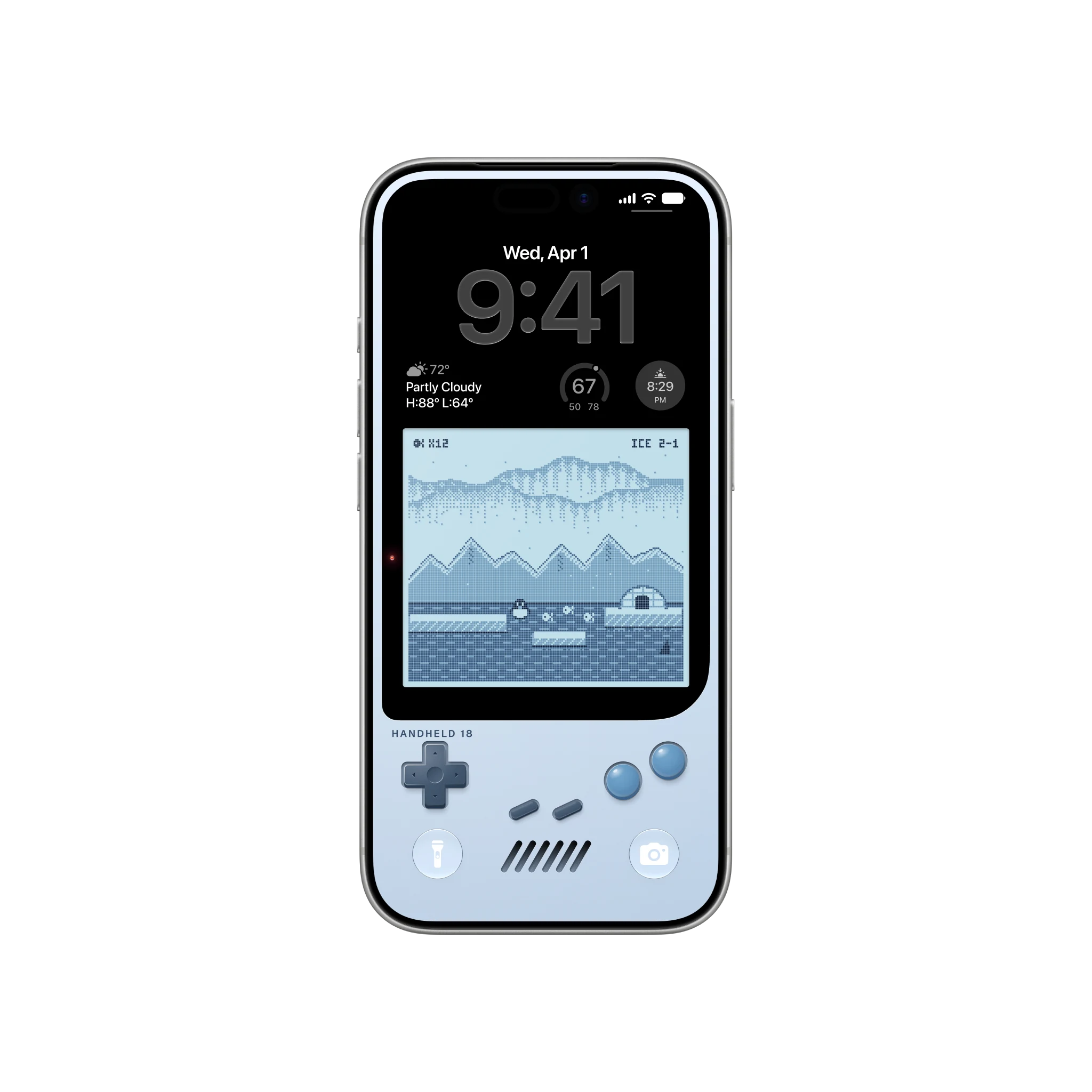
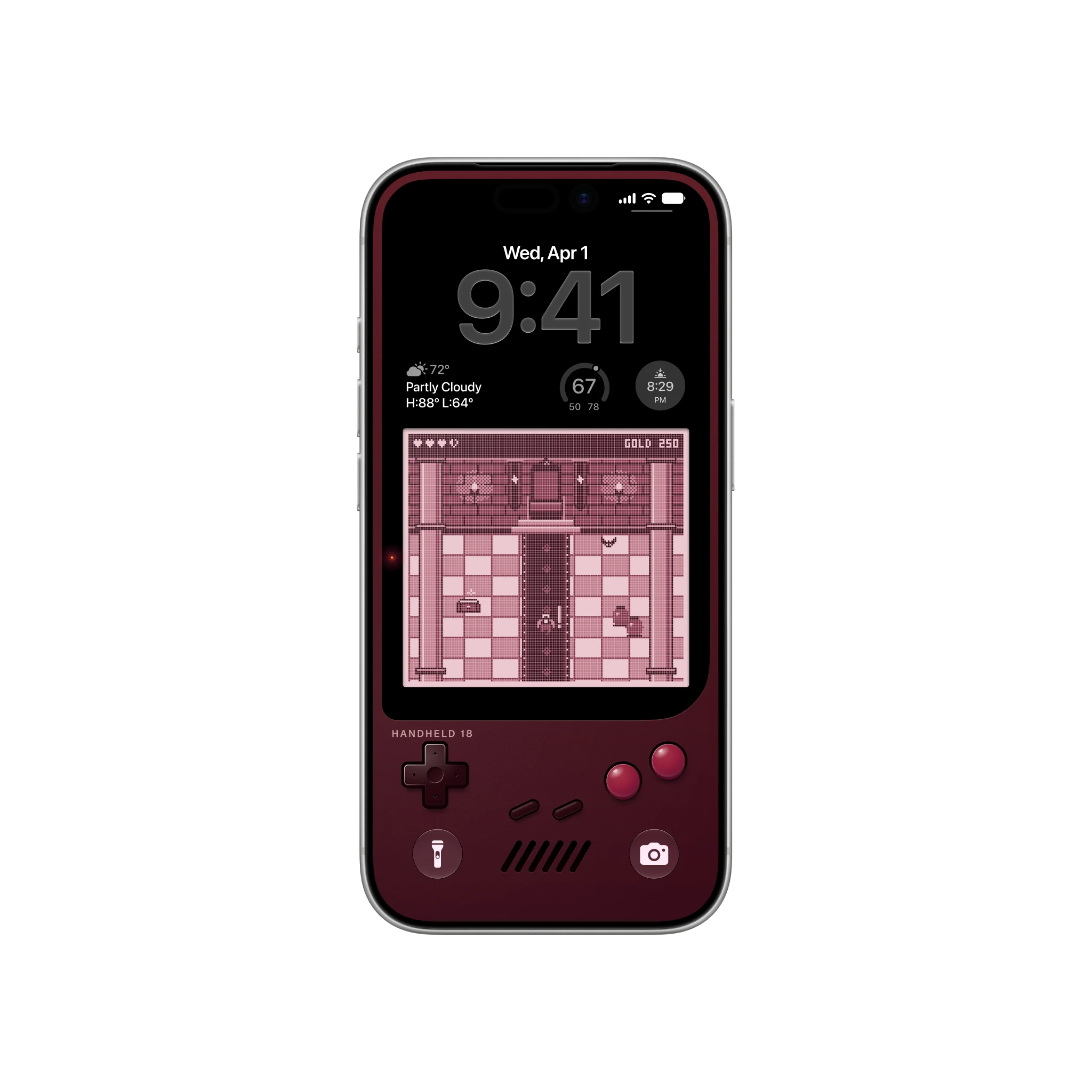
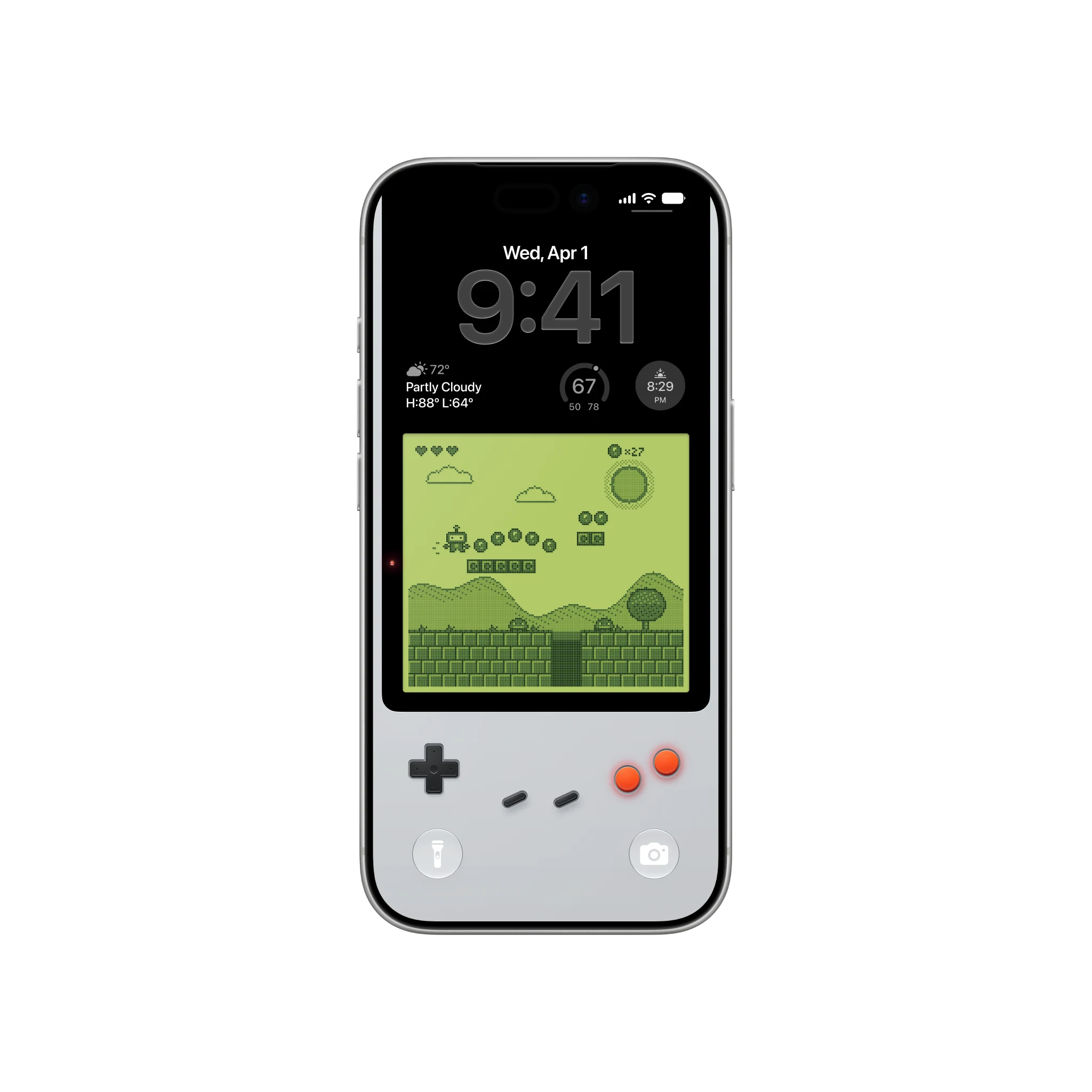
Retro Games turns your iPhone into a pocket console. The lower half is the handheld itself, with its D-pad, its buttons and a game on its LCD, and the black glass above the screen is where the date and the clock sit, so the Lock Screen reads as the top of the device rather than as a picture with a clock on it.
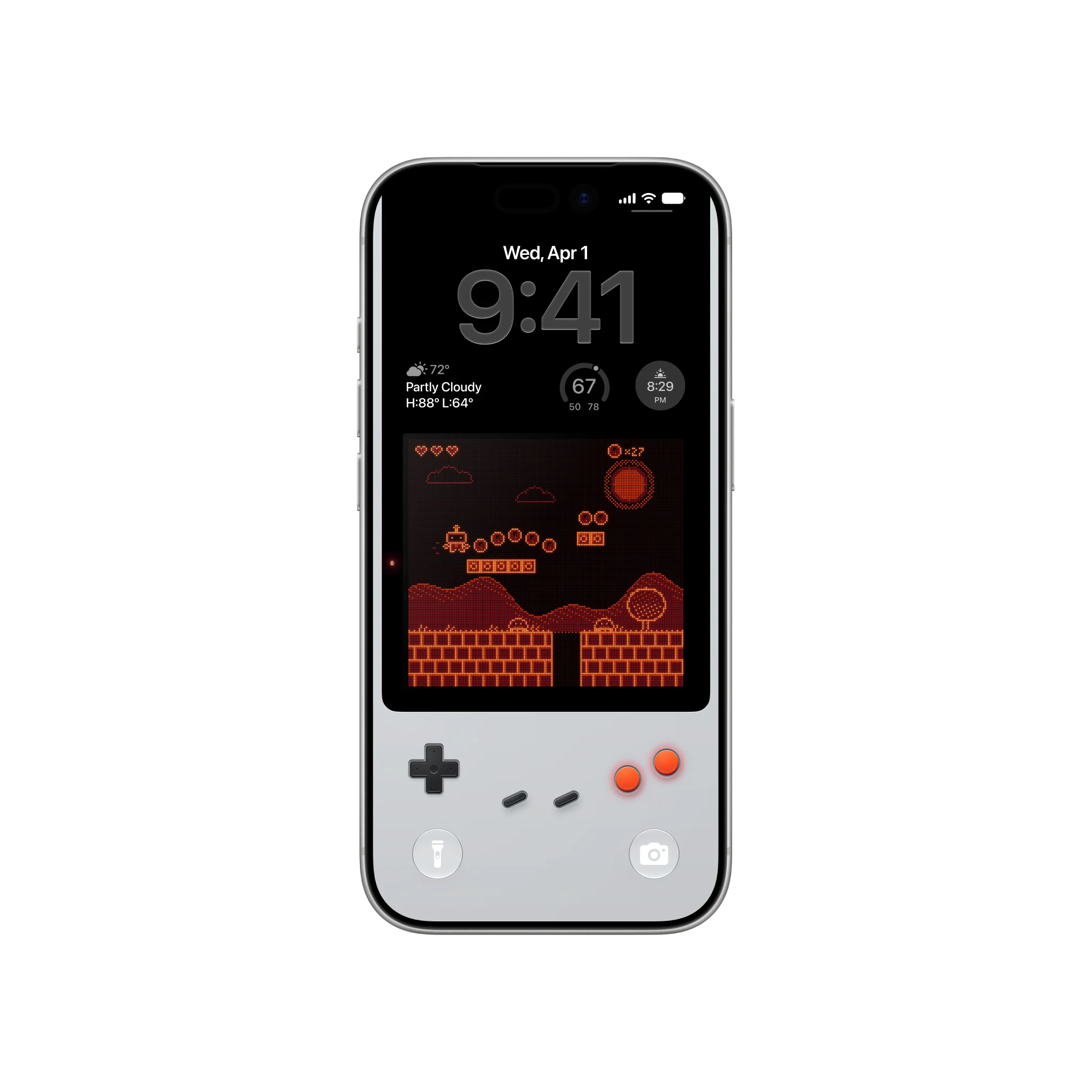
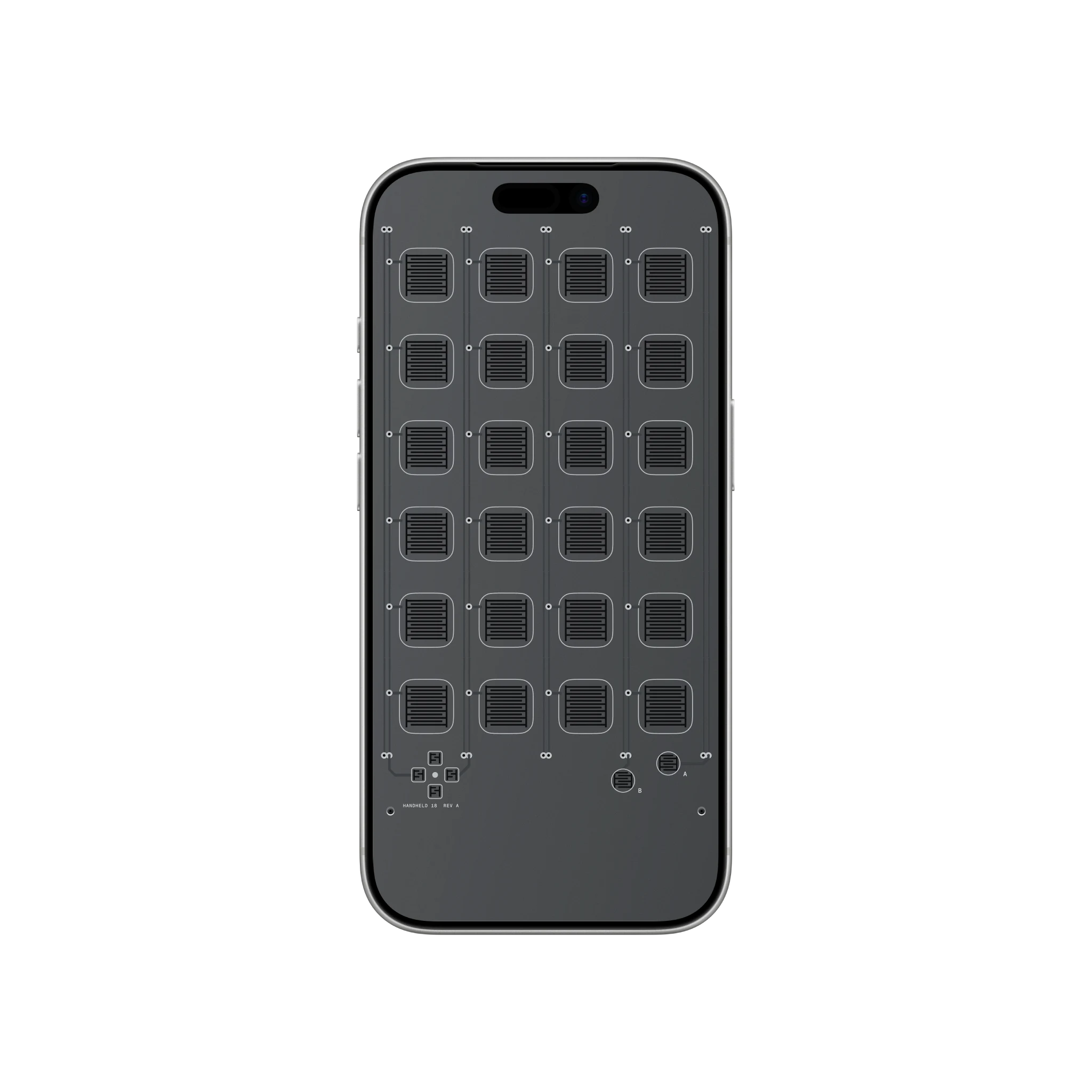
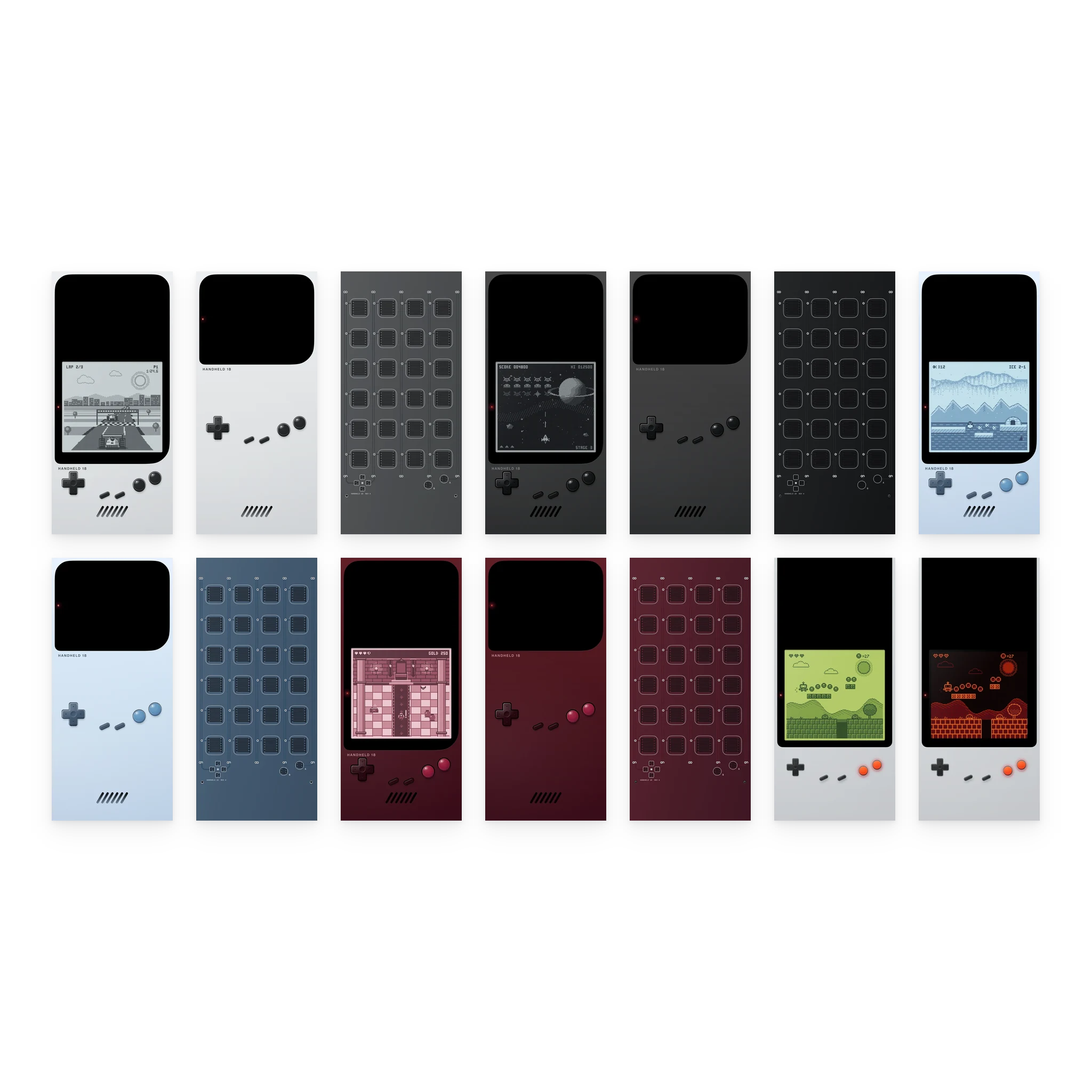
Each of the four finishes comes three ways: a Lock Screen with its own game, a quieter standby with the screen dark, and a Home Screen that opens the device up, a keypad under every app slot and nothing behind the Dock. Two classic shells with a platformer on a green or a red LCD make fourteen. Every wallpaper is drawn at the exact pixel size of the iPhone 17 Pro and 18 Pro, and again at the Pro Max’s, so nothing is scaled when you set it.
- 14 wallpapers: 4 handhelds with a game each, 4 on standby, 4 Home Screens and 2 classic shells
- 2 files per wallpaper, one per iPhone Pro panel: 1206 x 2622 and 1320 x 2868
- Laid out around the clock, the widgets and the Dock
- PNG with an embedded sRGB profile
- Future iPhone sizes included
- Personal license, portfolio and mockup use allowed
- Instant download
- Secure checkout by Lemon Squeezy
- Free future sizes
Both iPhone panels, drawn to the pixel.
| Device | Pixels | Aspect | Notes |
|---|---|---|---|
| Phone 19.5:9 | 1320 × 2868 | 19.5:9 | Native on a 19.5:9 phone and downscales to the smaller sizes in that shape. |
| Phone 19.5:9, 6.3 inch | 1206 × 2622 | 19.5:9 | The 6.3 inch Pro iPhone panel, one to one rather than scaled down from the bigger file. |
Before you buy.
Which file goes on my iPhone?
How do I set it so it lines up?
Do I get new sizes when new devices ship?
Can I use them in my portfolio or in mockups?
Retro Games, $2.99.
Fourteen wallpapers at the exact size of your iPhone Pro. Yours to keep, with every future iPhone size included.